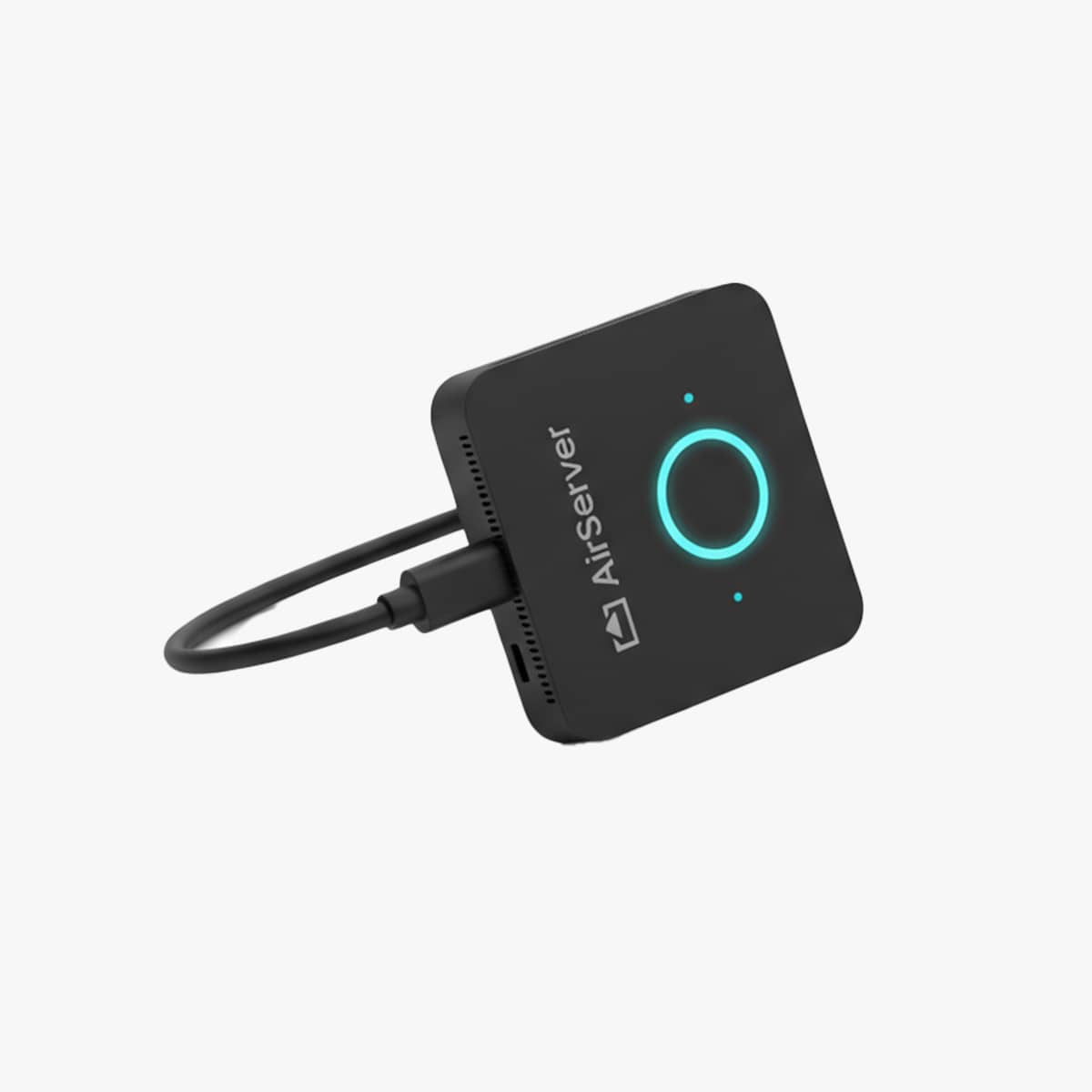
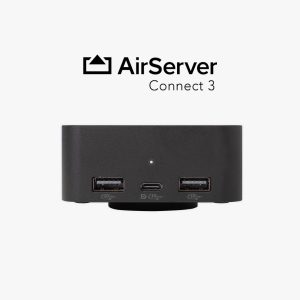
The AirServer Connect Button wirelessly connects your laptop or mobile device to the meeting room’s USB peripherals. Simply plug the Button into your laptop’s USB-C port to access the room’s camera, microphone, speakers, and other connected devices—without additional cables or setup.
Available sizes:
AirServer Connect Button delivers a flexible and intuitive wireless conferencing solution for meeting rooms, boardrooms, and collaborative workspaces.
When you enter the room, the Connect Button automatically connects your laptop to the room’s camera, microphone, speakers, soundbar, and display, allowing you to begin your meeting without unnecessary setup or cable connections.
Compatible with your preferred video conferencing platform, AirServer Connect Button enables employees and guests to start secure, high-quality hybrid meetings with a single click, creating a seamless and efficient collaboration experience.
Features
Plug-and-Play Setup
Touchback Support
USB-C Device Charging
Wireless USB Connectivity
60fps Screen Mirroring
4K Wireless Streaming
Desktop & Camera Modes
Automatic OTA Updates
High-Performance Streaming
4K Camera Sharing
Simplify Every Meeting
The AirServer Connect Button provides instant wireless access to your meeting room peripherals, enabling secure, high-quality collaboration from any compatible laptop with a single click.