
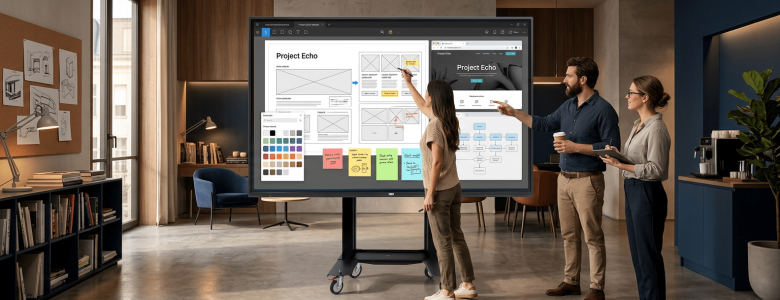
As organisations continue to embrace hybrid work, digital collaboration, and technology-driven environments, large-format interactive screens have evolved from being optional presentation tools to becoming strategic workplace and learning assets. Across corporate boardrooms, classrooms, control rooms, and collaborative spaces, these displays are reshaping the way people communicate, share ideas, and engage with information.
What Are Large-Format Interactive Screens?
Large-format interactive screens are touch-enabled displays designed for medium- to large-sized spaces where content needs to be viewed and interacted with by multiple people simultaneously. While standard office monitors typically range from 24 to 32 inches and consumer televisions commonly range from 55 to 75 inches, large-format displays generally start at around 86 inches and can extend up to 110”.
The “large-format” element is important because these screens are engineered to deliver visibility, clarity, and engagement at scale. Their larger size allows everyone in a room to clearly view presentations, video content, data visualisations, and collaborative materials without compromising readability. Combined with interactive functionality, they effectively bring together the capabilities of a display, digital whiteboard, and collaboration platform into a single solution.
As workplaces and learning environments increasingly shift toward collaborative and hybrid models, these screens provide a way to create more connected and engaging experiences.
Key Advantages of Large-Format Interactive Screens
1. Improved Visibility Across Larger Spaces
Large-format displays ensure content remains readable from all viewing positions, reducing the challenge of participants struggling to see detailed information, spreadsheets, presentations, or data visualisations in larger rooms.
2. Better Support for Multi-Content Display
Larger screen real estate enables multiple windows, applications, or content streams to be displayed simultaneously without compromising clarity. This is particularly valuable for comparing datasets, reviewing documents, or managing collaborative sessions.
3. Enhanced Hybrid Meeting Experiences
With hybrid collaboration now standard across many organisations, larger interactive displays create a more balanced experience by keeping remote participants, shared content, and collaboration tools visible simultaneously.
4. Reduced Dependence on Multi-Display Setups
Larger interactive screens can often replace multiple smaller displays or projection systems, simplifying room design and creating a cleaner, more unified collaboration environment.
5. Greater Impact for High-Value Communication
In executive spaces, training environments, and customer-facing applications, larger displays naturally create stronger visual presence and engagement, helping critical information command attention.
Applications Across Spaces
Large-format interactive screens are increasingly being deployed based on specific room requirements and collaboration objectives rather than solely on screen size.
Executive Boardrooms and Meeting Spaces
Modern boardrooms increasingly require teams to work across multiple content sources simultaneously, including presentations, dashboards, spreadsheets, video conferencing platforms, and live collaboration tools. Large-format displays provide substantially more digital workspace, allowing multiple windows and documents to remain open side-by-side without compromising usability. Solutions such as the HDi Flex Interactive Screen 98″, HDi Flex Interactive Screen 110″, and TeamBoard Ultimate 21:9 are particularly suited to these collaborative environments.
Large Training Rooms and Education Environments
Training spaces require content to remain clearly visible and accessible for larger groups. Large-format displays improve visibility across the room, helping participants easily view presentations, annotations, and shared content from different seating positions. The HDi Flex Interactive Screen 98″ is well-suited to these environments.
Collaboration and Innovation Spaces
Collaboration spaces often involve multiple people interacting with content at once. Larger interactive displays provide additional workspace for brainstorming and shared applications, supporting more effective teamwork. Prolux interactive displays provide flexibility for these environments.
Control Rooms and Operational Centres
Control rooms require multiple systems and data sources to be monitored simultaneously. Large-format screens enable dashboards, analytics, and live feeds to be displayed on a single platform. The HDi Flex 110″ and TeamBoard 21:9 Ultimate interactive screens are well-suited to these applications.
Key Considerations When Choosing an Interactive Screen
Selecting the right solution involves more than simply choosing the largest display available.
Display resolution and image quality are critical for maintaining readability and visual clarity, especially when presenting detailed information. Touch responsiveness and accuracy significantly affect user experience and usability. Connectivity options, software compatibility, and integration with existing collaboration tools should also be assessed carefully.
Room size and viewing distance are equally important factors. Installing an oversized display in a smaller space may create an uncomfortable viewing experience, while a screen that is too small can reduce visibility and engagement.
Featured Solutions in This Article
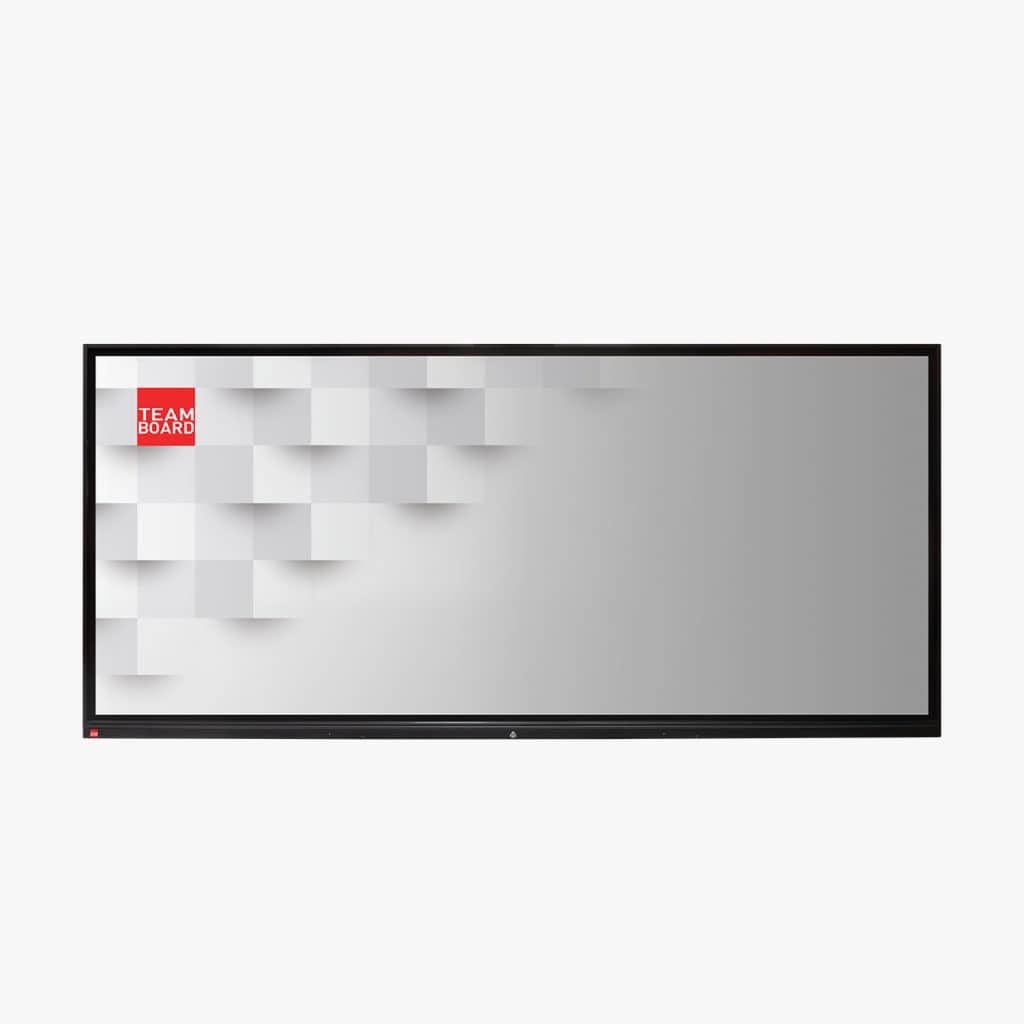
TeamBoard Ultimate
TeamBoard Ultimate 21:9 is an ultra-wide interactive panel designed to support modern collaboration and presentation needs. With expansive screen space and responsive touch, it brings clarity, flexibility, and ease of use into professional work environments.
Available sizes: 92″ and 105″