Technology Core

Blog

How HDi Flex Adapts to Any Space:
One Screen, Endless Setups

TC ARTICLES COVER 780x300 A

No two collaboration spaces operate the same way. A classroom needs technology that encourages participation and engagement, while a corporate meeting room may prioritise hybrid conferencing and wireless collaboration. Training facilities, government environments, and shared workspaces each have unique requirements.

That’s why FLEXIBILITY matters.

The HDi Flex interactive screen has been designed to adapt to the way organisations work, giving users the freedom to create an interactive setup tailored to their environment instead of being locked into a fixed ecosystem. Whether it’s paired with conferencing tools, wireless presentation systems, OPS PCs, or external devices, HDi Flex interactive screen provides the flexibility to build a solution that works for your workflow today and can evolve with your needs tomorrow.

Built for Real-World Collaboration

The HDi Flex interactive screen features a stunning 4K Ultra HD resolution, ensuring that presentations, lesson content, spreadsheets, and diagrams remain clear and easy to read, even in larger spaces. Furthermore, in classrooms, this helps students stay engaged and follow content more effectively, while in meeting rooms, it improves visibility for presentations and collaborative discussions. 

The responsive 20-point touch functionality allows multiple users to interact with the screen simultaneously, making group activities, brainstorming sessions, and collaborative learning more natural and engaging. 

USB-C connectivity also simplifies the user experience by allowing video, touch, audio, and charging through a single cable. Instead of dealing with multiple adapters and cables, users can simply connect their device and start presenting immediately — ideal for busy meeting rooms and fast-paced teaching environments. 

The anti-glare toughened glass helps maintain visibility in bright rooms with natural lighting, reducing distractions and improving usability throughout the day.

4K Resolution

20-Point Touch

Ultra-Secure

Exceptional Brightness

Create the Setup That Works for You

One of HDi Flex’s biggest strengths is its compatibility with a wide range of accessories and collaboration tools.

For organisations seeking a fully integrated Windows experience, HDi Flex can be paired with OPS modules or external PCs. This allows users to run familiar applications, conferencing platforms, and software without changing the way they work.

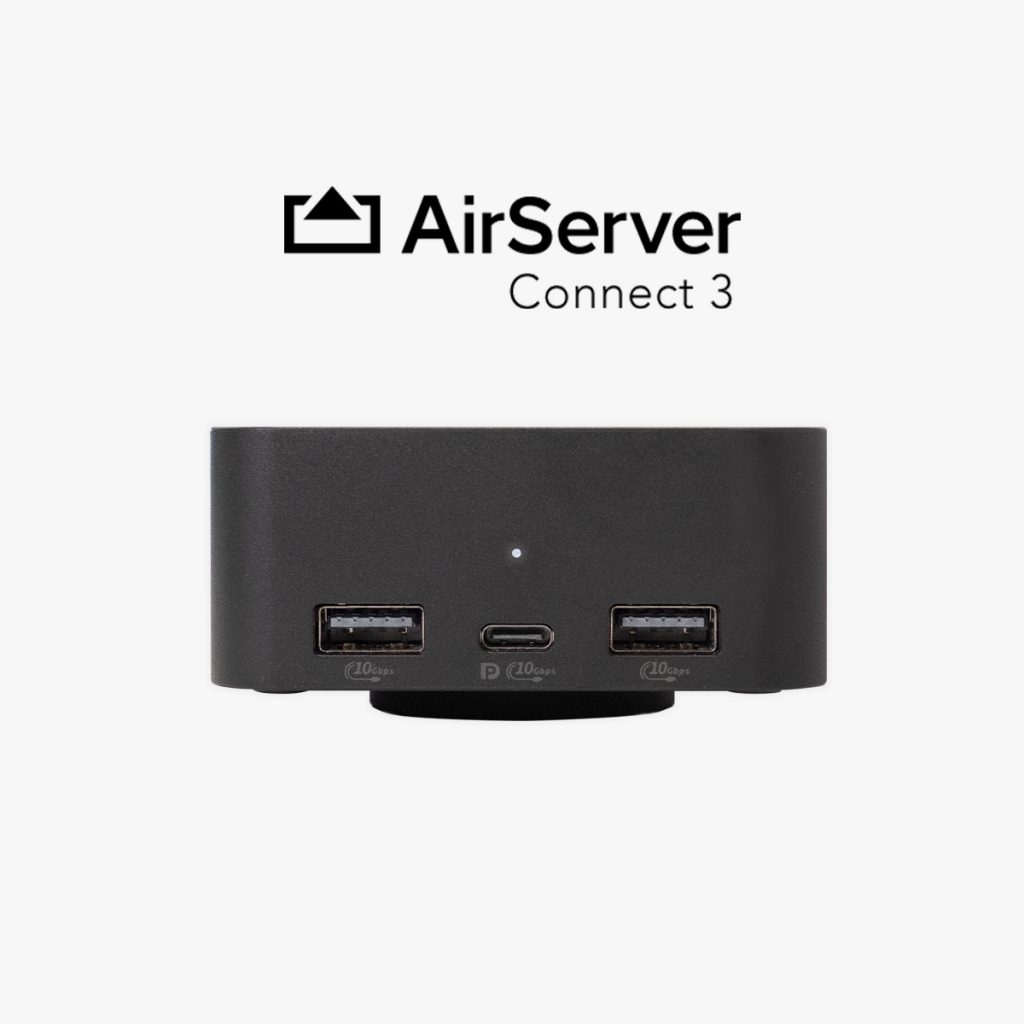
Pair HDi Flex with wireless presentation tools like AirServer Connect and ViVi to instantly share content from laptops, tablets, and mobile devices — reducing cable clutter and enabling smoother collaboration in classrooms, meeting rooms, and hybrid spaces.

3. Audio Solutions

Enhance the HDi Flex experience with integrated audio solutions such as soundbars, ceiling speakers, or room audio systems. This ensures clear, evenly distributed sound across classrooms and meeting spaces, improving both in-room collaboration and hybrid communication quality.

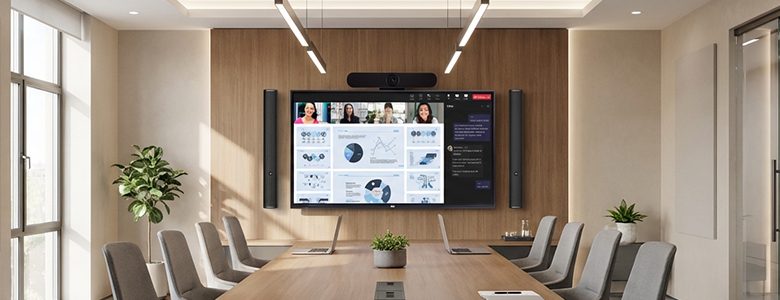
By integrating video conferencing bars, HDi Flex can become a complete hybrid collaboration solution for remote meetings, virtual learning, and connected workspaces.

Flexible Across Every Environment

Every organisation has different priorities. Some focus on collaboration and engagement, while others prioritise security, scalability, or compatibility with existing systems.

Since HDi Flex does not rely on a fixed onboard Android ecosystem, organisations have greater flexibility and control over the technology they integrate into their spaces. This makes it easier to customise setups, support existing workflows, and adapt as technology requirements evolve.

One screen. Endless setups. That’s the flexibility of HDi Flex.


Featured Solutions in This Article